AI workout builder for ChatGPT

Your workouts.
Right inside ChatGPT.

The Pacelab Plugin connects ChatGPT to your account. Sign in once, then ask ChatGPT to build, edit or check workouts — it reads and writes straight to your Pacelab library.

  • Free Pacelab account
  • Reads, creates and edits — not just share links
ChatGPT generating a workout that opens in Pacelab

Two ways in

Full connection, or a quick link.

Recommended · Pacelab account

Pacelab Plugin

Sign in once and ChatGPT can read the workouts already in your library, create new ones directly, edit them, and see your training history.

Open the Pacelab Plugin →

No account

Interval Builder GPT

Describe a workout, get a share link back, tap it to import into Pacelab. Nothing to set up, but it can't see or change your library.

Open the GPT →

How it works

Three steps. About a minute.

  1. 1

    Open the Pacelab Plugin

    Find it in ChatGPT's plugin directory, or use the link above.

  2. 2

    Sign in to Pacelab

    One-time sign-in — free account, or use Apple or Google.

  3. 3

    Ask for what you want

    ChatGPT builds, edits or checks workouts straight in your Pacelab library.

Try these prompts

What you can ask ChatGPT.

Each of these does something real in your account — creating, editing, scheduling. Not just describing a workout in chat.

"Create a workout based on what I did this week and save it to my library."
"Build a 5-round kettlebell strength circuit with 6 exercises."
"Swap the burpees for mountain climbers in my last workout."
"Schedule that for tomorrow at 7am."
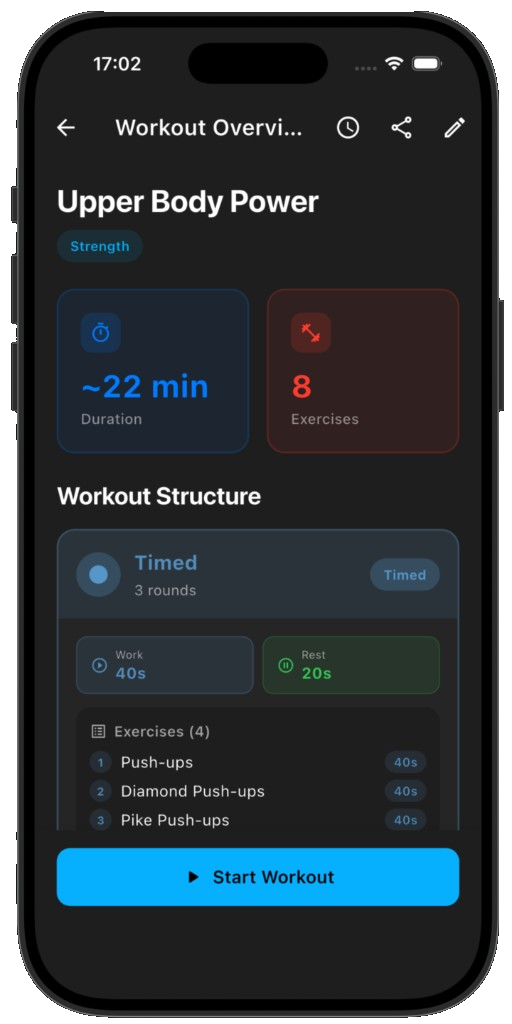
Workout created by the Pacelab Plugin in ChatGPT

Created in ChatGPT

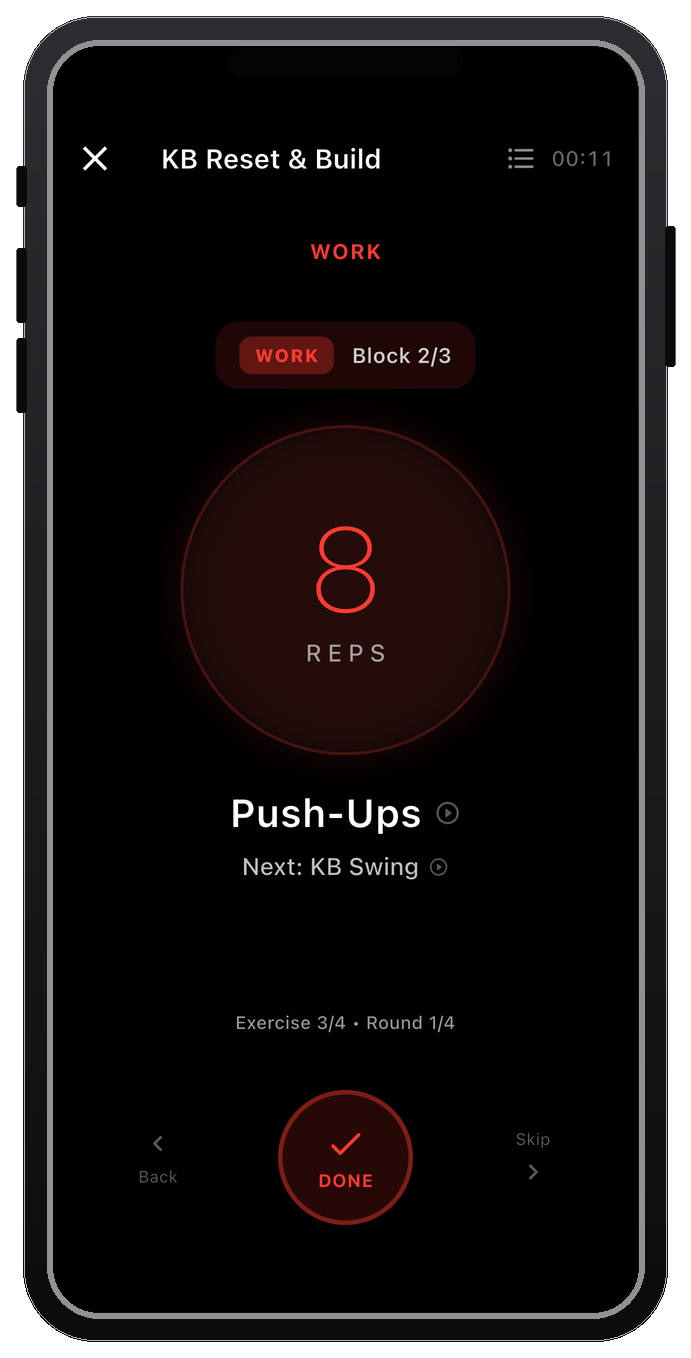
The same workout running in the Pacelab app

Running in Pacelab

Get Pacelab Intervals

Install the app to train what ChatGPT builds for you. Free on iOS and Android.

FAQ

What is the Pacelab Plugin for ChatGPT?
A full account connection inside ChatGPT. After signing in to Pacelab, ChatGPT can read your existing workouts, create new ones directly in your library, edit them, and see your training history.
How do I connect the Pacelab Plugin to ChatGPT?
Open the Pacelab Plugin from ChatGPT, sign in to your Pacelab account when prompted, and start describing workouts — ChatGPT builds, edits and saves them straight to your library.
Can I use ChatGPT without a Pacelab account?
Yes — the free Interval Builder GPT needs no account. It returns a share link you open in the app, but it can't read or change your existing library the way the Plugin can.
Is the Pacelab Plugin free?
Yes — the Pacelab Plugin and your Pacelab account are both free, no subscription. ChatGPT Plus is only required for the Custom GPT alternative, not the Plugin.
Does Pacelab store my ChatGPT conversation?
No — only the workout data the Plugin sends to our API. See the Privacy Policy and Terms.
Is there a version of this for Claude?
Yes — see Claude + MCP integration — same account, same capabilities.